The timeline can be enabled in several ways:
-
Click Show timeline
 in the ribbon. Another click on the command will hide the timeline again.
 -
Open the camera view’s context menu and select “Dock timeline”.

-
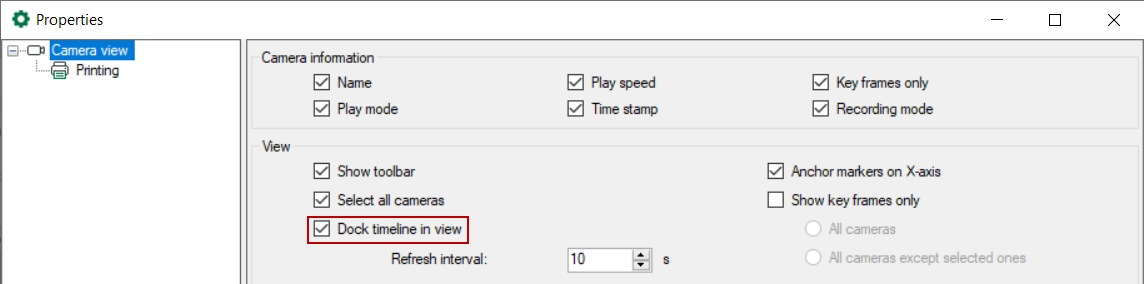
Open “Properties" with a double-click on the icon
 and select “Dock timeline in view”.