There are several ways to switch to sever configuration mode:
-
Click Configure server in the ribbon
 and select the server you want to configure.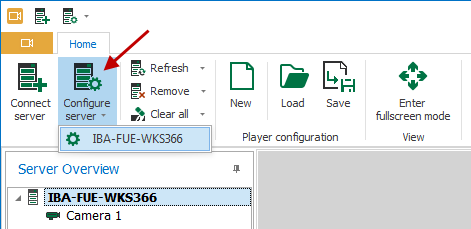
-
Click the button in the quick access toolbar
and select the server you want to configure.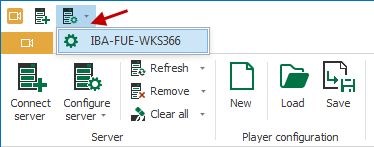
-
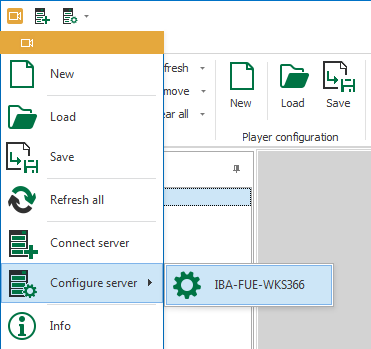
Open the main menu, click on Configure server and select the sever you want to configure.


Note: A server can only be configured when it is displayed in the server overview.