When the PC running ibaCapture Server is not displayed in the server overview or when an ibaCapture Server shall be configured remotely, the server must be added to the server overview.
-
Open the dialog for adding a server by clicking Connect server
 in the ribbon.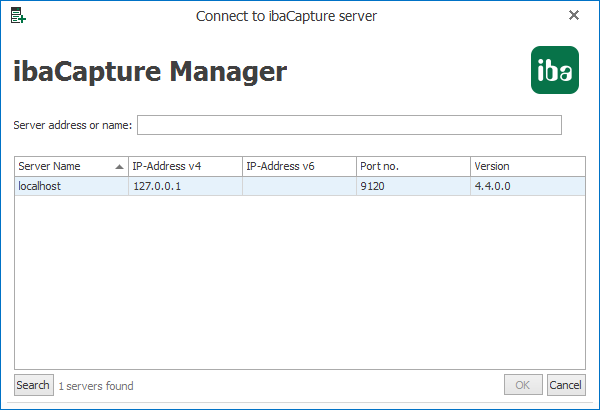
-
The server list displays the servers found in the network. A click on the <Search> button searches the local network for other ibaCapture Servers. Also ibaCapture Servers from a previous ibaCapture version can be found.
-
Select the desired server from the server list or enter the server’s hostname or its IP address in the textbox.
-
Click <OK> and the server will be added to the server overview. If there are already cameras configured at the server, they will be also displayed.
