Function
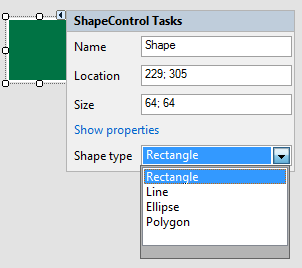
With the Shape object, you can freely create basic shapes similar to those in standard graphics programs and provide them with different presentational attributes. The following basic shapes are available:
-
Rectangle
-
Line
-
Ellipse
-
Polygon
Configuration
Drag the Shape object to the Panel. By default, a rectangle will be displayed at first.
There are several methods to change the shape:
-
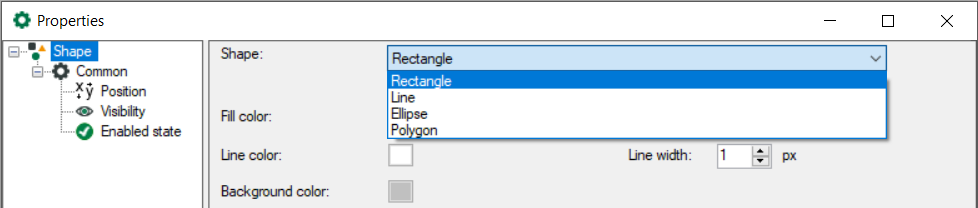
Open the properties dialog and select the desired shape from the drop-down menu.
-
Click the small triangle in the upper right corner to open the task menu and select the desired shape from the Shape type drop-down menu.