Use the diagnostic function of the PG/PC interface to the functionality and connection configuration.
-
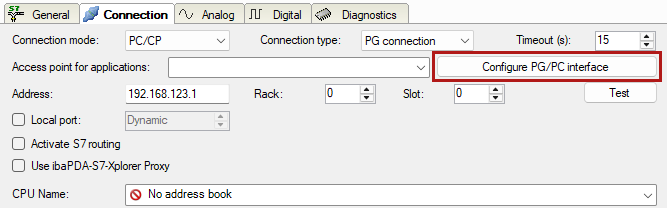
Open the dialog for configuring the PG/PC interface with the <Configure PG/PC interface> button.
-
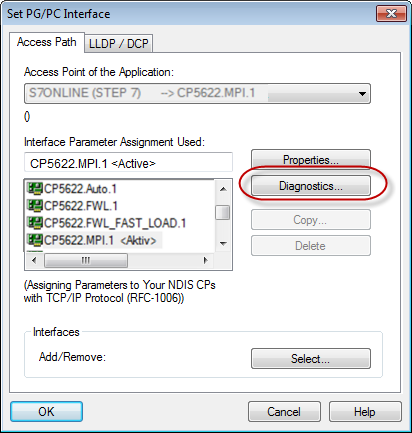
Open the diagnostics dialog with the <Diagnostics> button.
-
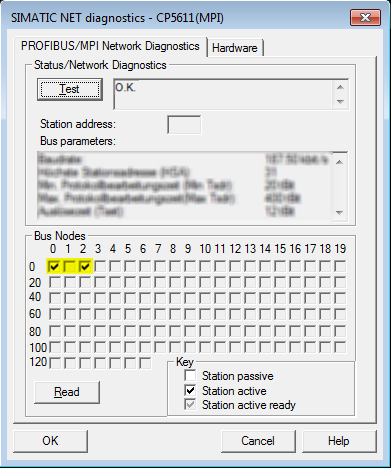
Start the network diagnostics with the <Test> button.Check the availability of the bus devices with the <Read> button.
The following figure shows an example of a diagnostics of a SIMATIC Net CP5622 (PROFIBUS).There is one active station at each of the addresses 0 and 2.