-
Click on the blue link Click to add module located under each data interface in the Inputs or Outputs tab.
-
Select the desired module type in the dialog box and assign a name via the input field if required.
-
Confirm the selection with <OK>.
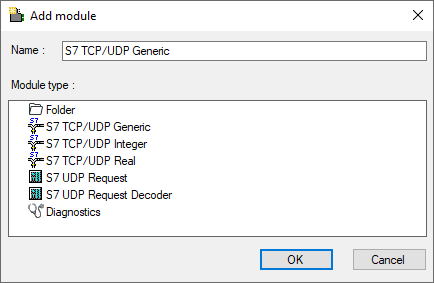
|
Module name |
Description |
|---|---|
|
S7 UDP Request |
Request module for a max. of 1024 analog signals and 1024 digital signals. |
|
S7 UDP Request Decoder |
Request module for a max. of 11728 digital signals, which are transmitted as 733 words (1466 Byte). |