You can use the ibaPDA-Interface-S7-Xplorer also with a CPU simulated by SIMATIC S7-PLCSIM. To do so, you must use ibaPDA-S7-Xplorer Proxy. This proxy acts as data gateway between ibaPDA and SIMATIC S7-PLCSIM.
Prerequisites
-
S7-PLCSIM version 5.4.3.0 or higher
-
ibaPDA-S7-Xplorer Proxy
System topologies
-
Single user All components run running on one computer.
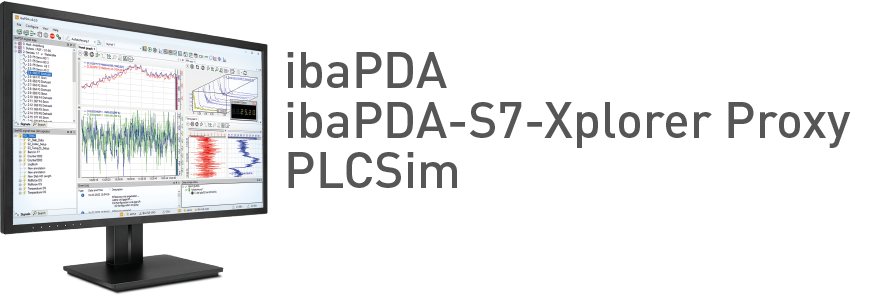
-
Distributed installation ibaPDA is not installed on the computer with S7-PLCSIM and ibaPDA-S7-Xplorer Proxy.
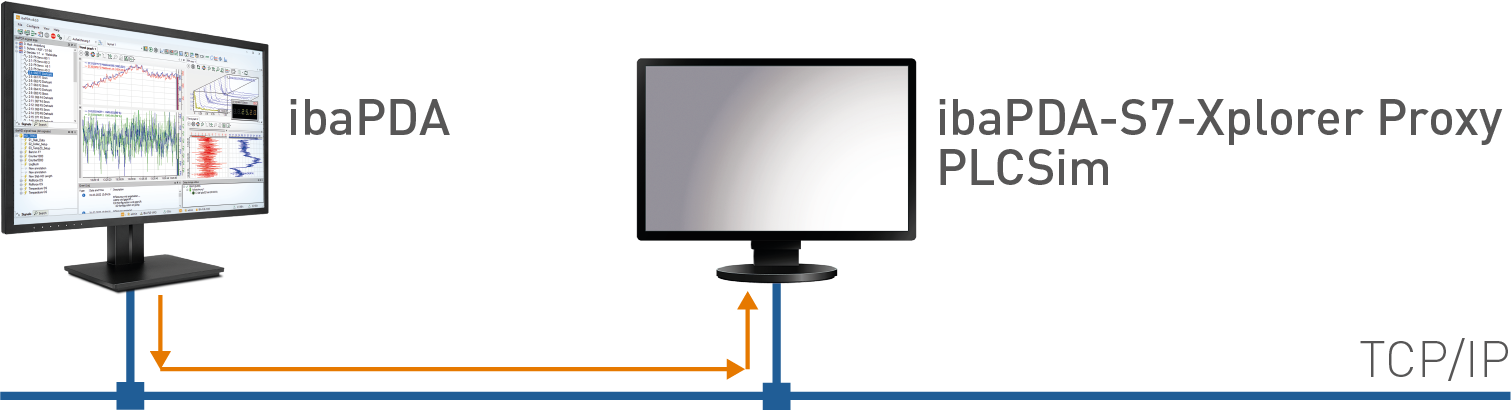
Access of ibaPDA to the proxy takes place via TCP/IP.


If you want to connect a CPU simulated with S7-PLCSIM, you have to install and run ibaPDA-S7-Xplorer Proxy on the same computer. You can install ibaPDA-S7-Xplorer Proxy as an option during the installation of ibaPDA.