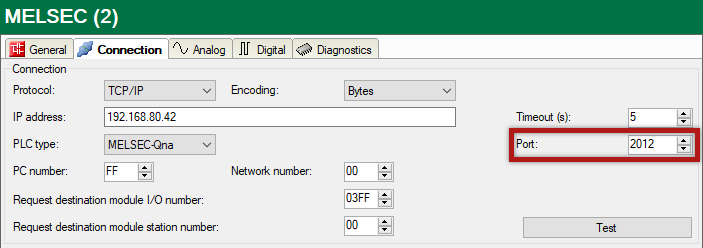
The communication with the CPU is also possible via a MELSEC Ethernet module over TCP. First configure the hardware and then set the network parameters. The single steps are described below.
Hardware configuration
-
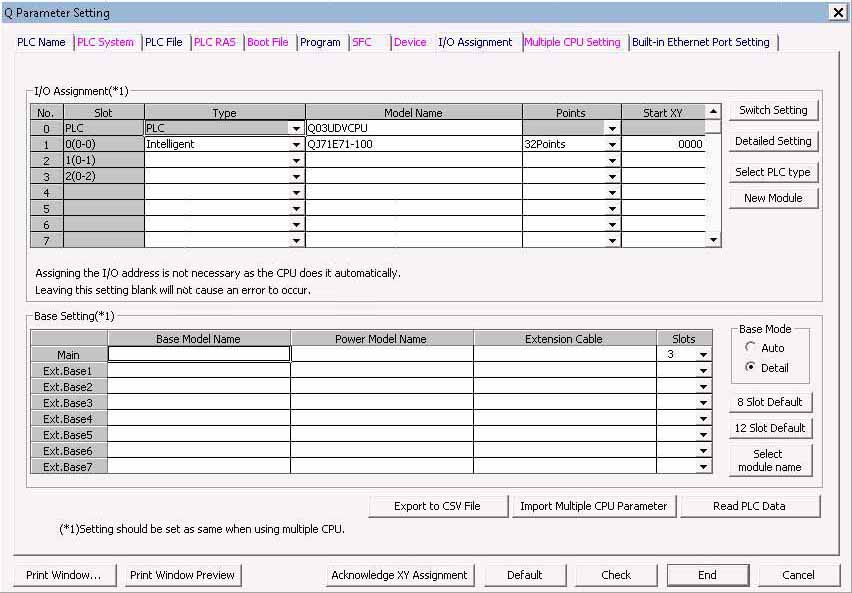
Open the PLC setting dialog and select the I/O Assignment tab.
-
Enter the corresponding communication module.

Network parameter configuration
-
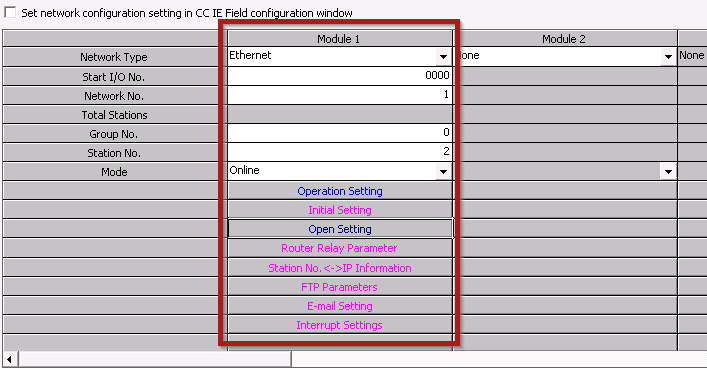
Open Ethernet Settings and enter the corresponding parameters.
-
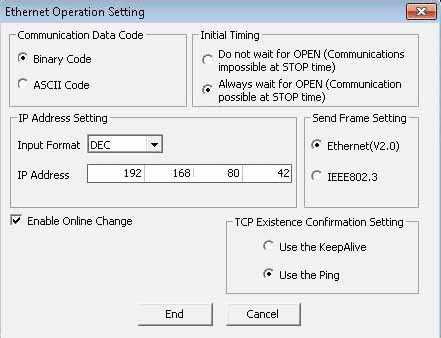
Open Operation Settings and enter the corresponding parameters.
-
Open Open Settings. Here you have to open the ports for the connection to ibaPDA. The example shows ports 2012 and 2013. (Both settings are functioning but only one of the two is necessary.)

-
In the MELSEC-Xplorer module in ibaPDA, configure the same port as previously configured. The example shows port 2012.