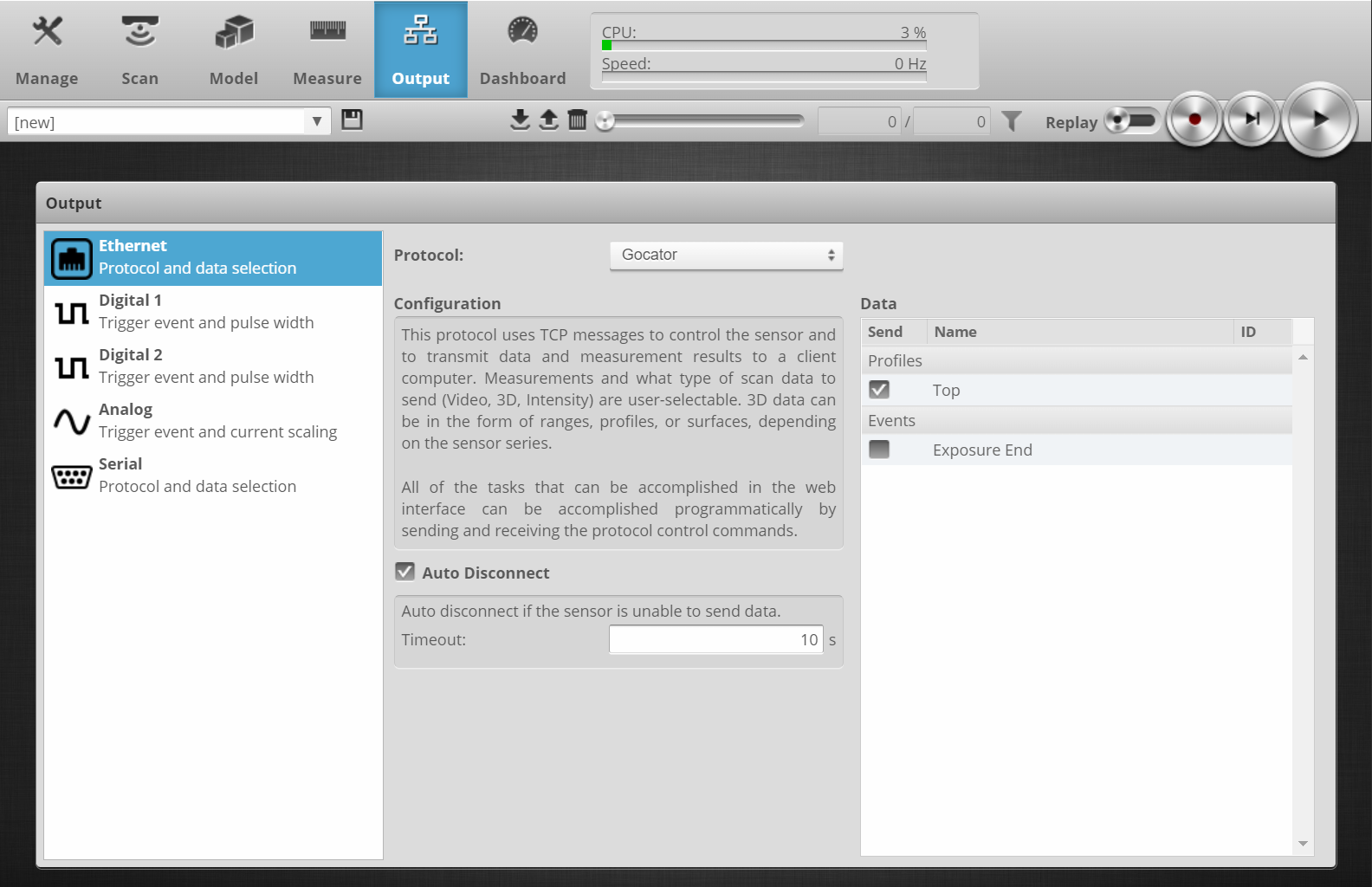
Although configuring the Gocator sensors using their web interface is outside of the scope of this manual, some troubleshooting tips are listed here. Note that some settings are only available when accessing the sensor’s web interface in advanced mode. To enter advanced mode, use the following URL format: http://[sensor_ip]/?advanced=1
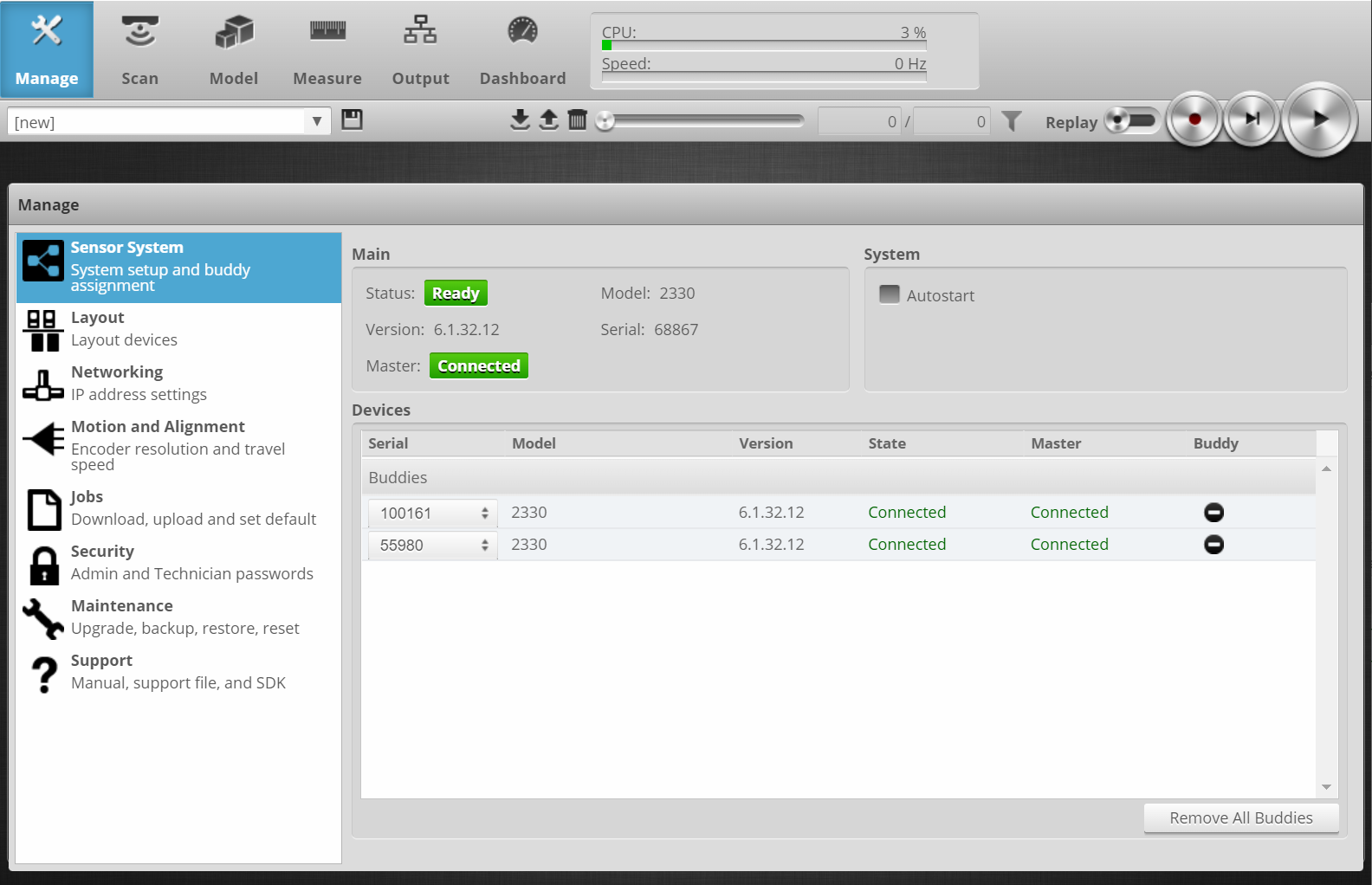
Buddy mode: make sure the sensors are configured as buddies
Go to Manage → Sensor System and make sure the buddies are connected to the Master.
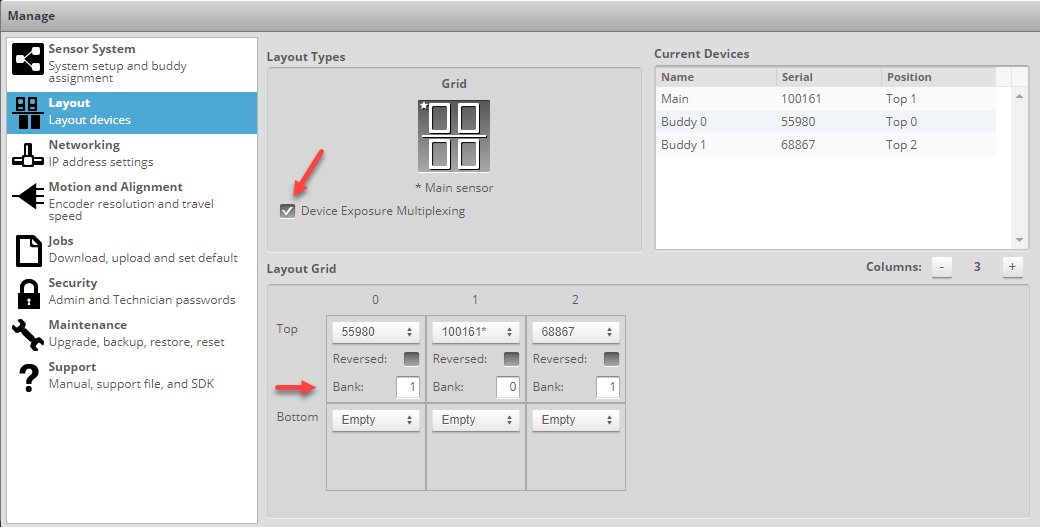
Also verify that all buddies are part of the layout (Manage → Layout). It is recommended to activate the "Device Exposure Multiplexing" option, as the banks can be set here, see LMI-Gocator – Connection tab.
No profile data can be obtained
Make sure that the Top profile is being sent by the (main) sensor.