Some systems have a database with all the signals available across the DCS network. This database can be loaded by ibaPDA.
-
Go to the AN-X-DCSNet device and click the Load address book link.
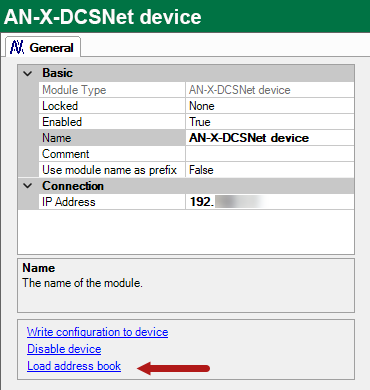
This will open a file browser where you can select the correct database file. This file is typically called
$NET.dbf. -
Add a Symbolic DCS module, see Adding and configuring an AN-X-DCSNet device.
-
Click the Select symbols link.
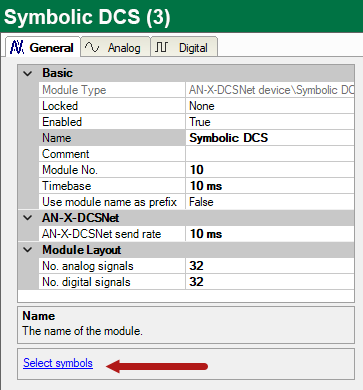
The symbol browser opens and lists all the symbols in the address book.
-
To add symbols to the module, double-click the symbols or select the desired symbol and click <Add>.
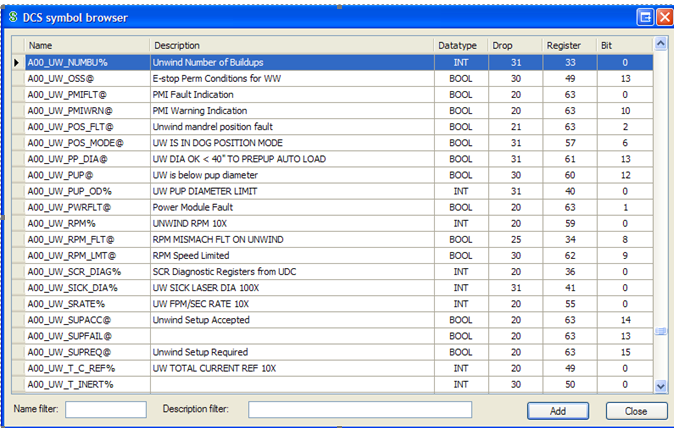
The analog symbols will be added to the Analog tab and the digital symbols to the Digital tab. You can use the name filter and description filter to search for symbols.
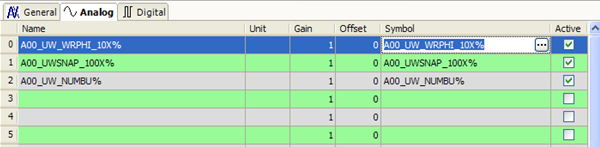
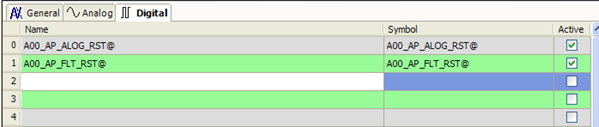
So instead of specifying drop number, register number and bit number like in the Generic DCS module you just select the symbol and ibaPDA fills in the address information automatically.


