As long as no password has been assigned for the user admin, user management in ibaHD-Server is disabled and every ibaPDA client logs on to ibaHD-Server as admin. All clients therefore have all rights.
-
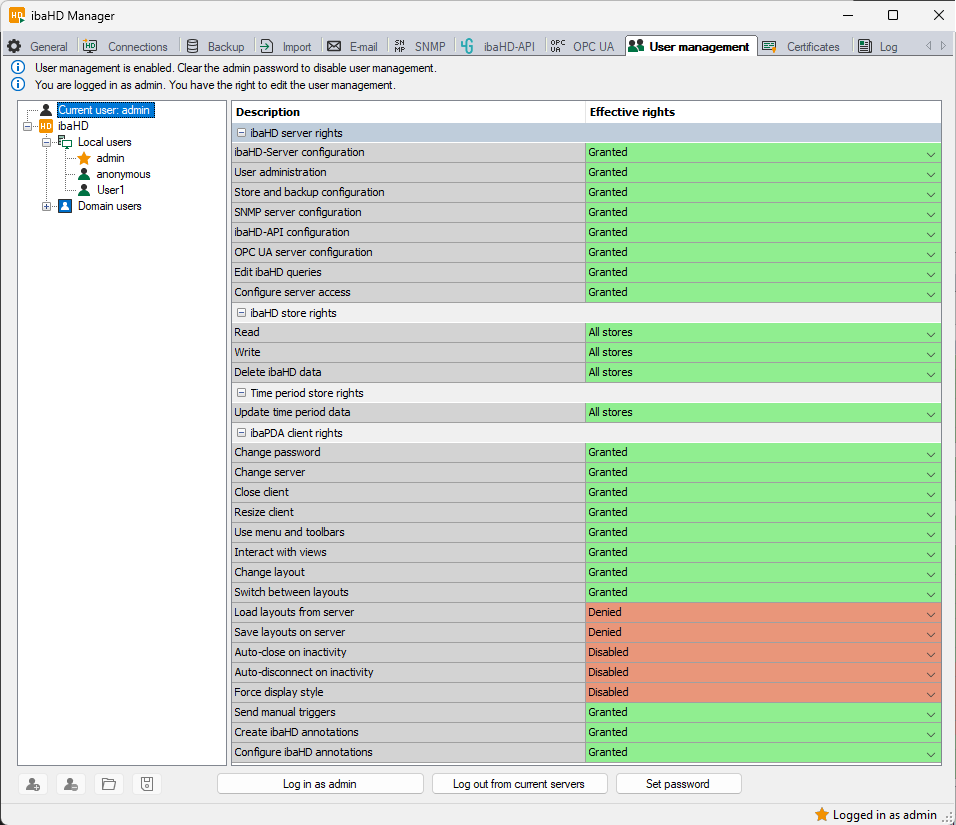
To enable user management, assign a password for the admin user. Click on the <Set password> button.
-
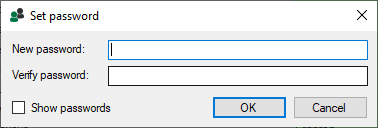
Enter the desired password in the following dialog.
Note

Please note, that there is a difference between Marx and WIBU license containers in terms of password length and characters.
Marx dongle: max. 15 ASCII characters
WIBU dongle or soft license: no limitation in terms of length and character set
-
Confirm with <OK>.
User management is enabled.
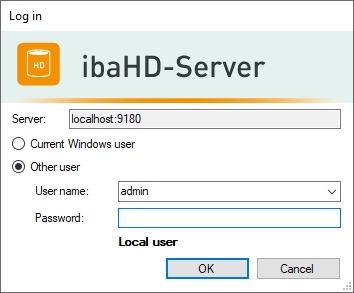
As soon as you want to connect to ibaHD-Server, a login dialog appears.