Proceed as follows to configure time periods in a time-based data store in ibaPDA .
Prerequisite: Time period stores are already configured, see Time period stores – Settings.
-
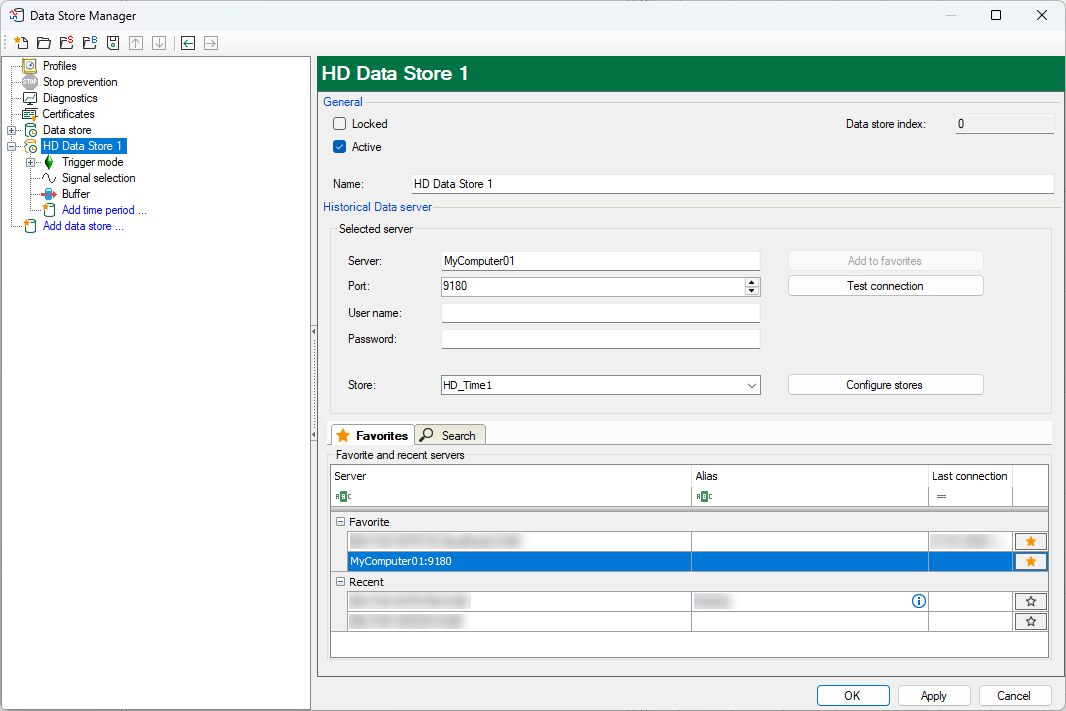
Click on the Add time period link under the HD data store.
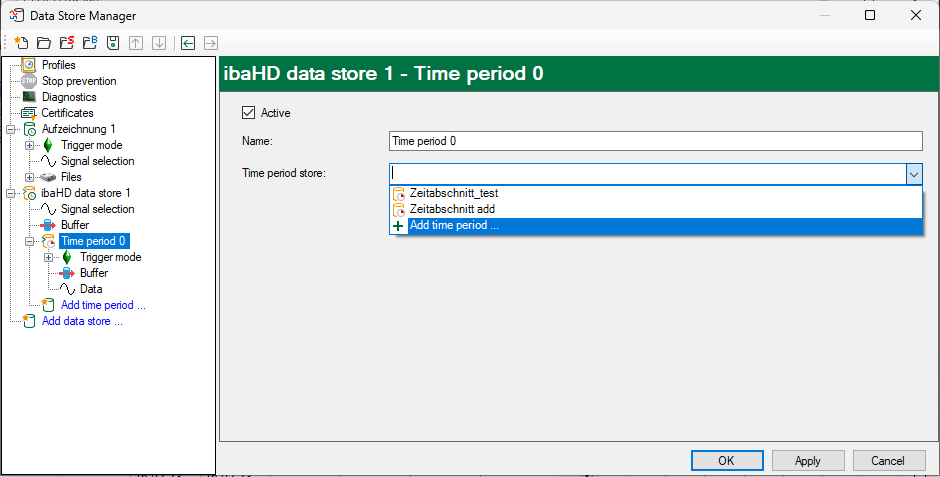
The following dialog box appears:
-
Enter a name for the time period and select the time period store to which you want to write the data.
Only time periods that are not yet being written/used by a HD store are displayed. If no time period store has been configured yet, you can open the configuration of the HD store via the Add time period entry.


Note |
|
|---|---|
 |
The time period data is saved by default as a subfolder to the configured store data. All data contained in this time period folder is managed autonomously by ibaHD-Server. Changes or file access violations to the folder data can have an impact on ibaHD-Server processes. |