Follow these steps to start and stop configured jobs in ibaDatCoordinator.
You can either start and stop all jobs at once or just individual jobs. To do this, use either the controls above the navigation menu (all jobs) or at the top of the configuration area for the respective job.
-
To start job processing, click
 .
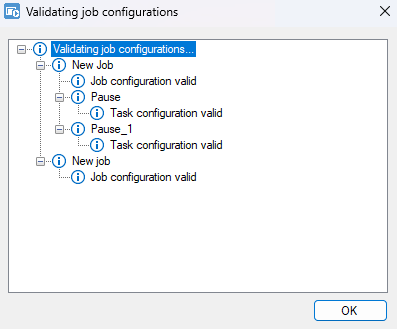
.ibaDatCoordinator validates the saved job configuration and displays the result in a window.
-
Click <OK> to confirm.
If there are no errors, the window closes automatically.
The view automatically switches to the status screen and displays the processing status of the jobs and their associated tasks, see Job status.
-
To stop the job or all jobs and pause processing, click
 .
.
