Add tiles to your dashboards and organize them on the dashboard.
-
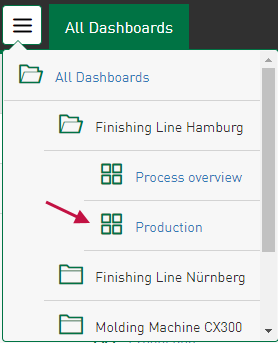
Open the dashboard from the dashboard overview or via the main menu.
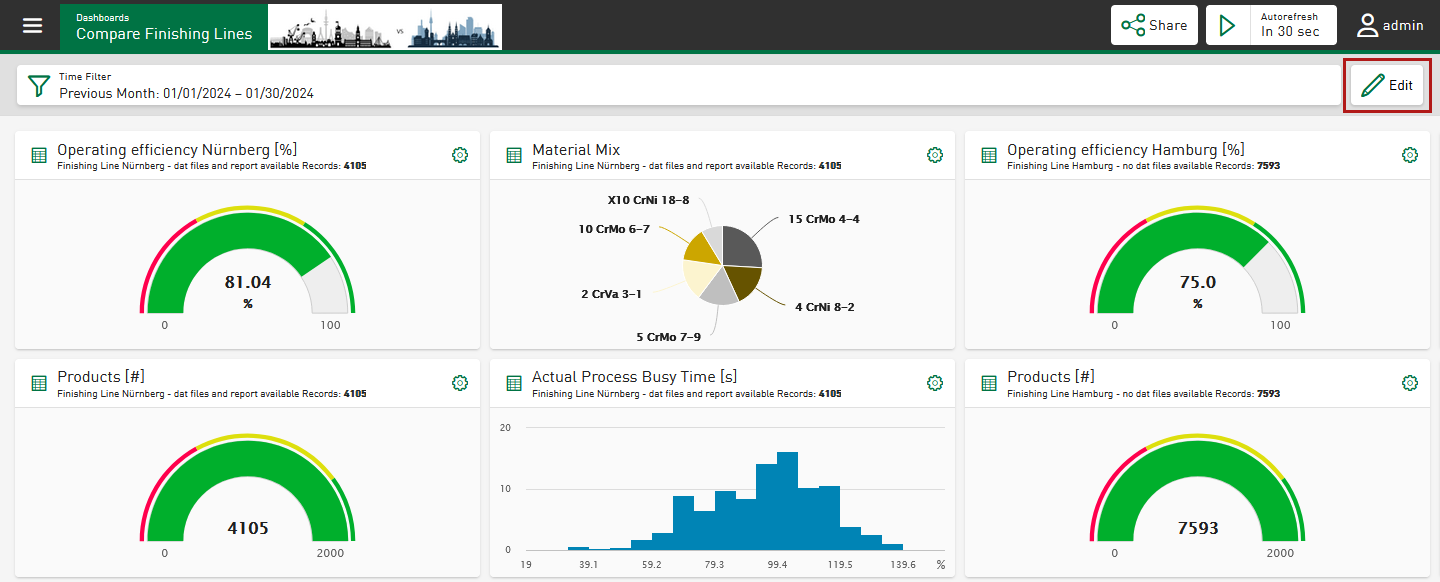
The dashboard shows the current configuration. You will find the following information and functions in the header:
Time filter
Shows the currently set time range, see Setting a time filter.
<Share>
See Sharing dashboards as a link.
<Autorefresh>
-
To activate to edit mode, tap <Edit>.
The following actions are now available to you:

A dialog opens where you can change the properties of the dashboard, such as the dashboard name, symbol image, and background image. Here you can also enable or disable free tile positioning and the work shift filter.
<Add Tile>
See Adding a tile.
<Save>
Saves changes and closes the edit mode.
<Cancel>
Discards changes and closes the edit mode.

