To display logos or other graphics in the report, use picture objects.
-
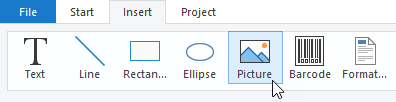
From the Insert menu, select the Picture object.
-
Use the mouse to drag a rectangle in the workspace where you want to place the image.
-
Select File as the image source and specify a path and the image file.
If you want to save the image along with the project file, also select Embed picture in project file.
-
Click on <Open>.
The image is inserted into the rectangle and aligned vertically.
-
If necessary, resize the image using the anchor points on the object frame.
The aspect ratio of the original image is always preserved, unless you override this default setting in the object properties.
