On the Notifications tab, you can choose between two communication methods for receiving notifications about the status of the report generation or for recording events. You can configure the sending of the finished report in the Email Report tab, see Email report.

E-mail address
Enter the address and select the send mode.
Note |
|
|---|---|
 |
A standard email client (e.g., MS Outlook, Outlook Express, etc.) must be installed on the computer. |
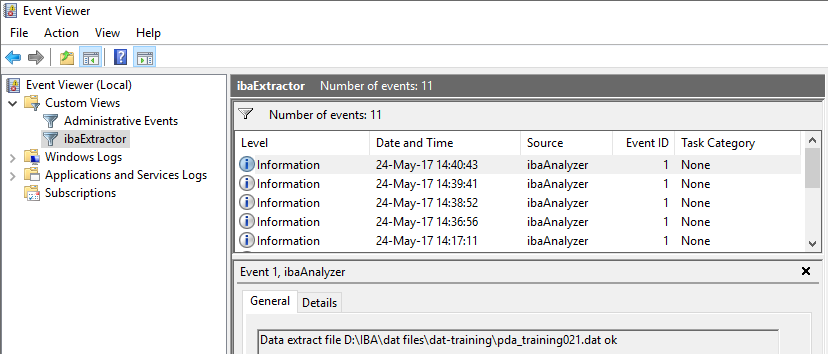
Write to Windows application event log
Events are shown in the Windows Event Viewer.
Send modes for each communication method
-
On success Notification when report generation is successful.
-
On failure Notification when any report generation has failed.
-
On failure (1st failure only) Notification when first report generation has failed
-
On completion Notification when the report generation has been completed, success or failure is irrelevant.