On the Notifications tab, you can choose between two communication methods how to receive notification or record events.
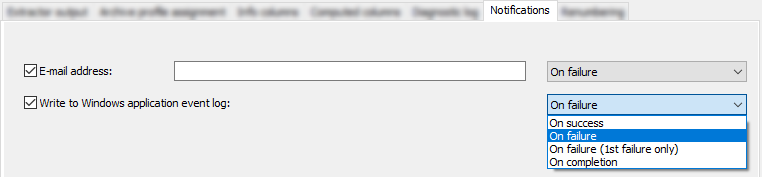
E-mail address
Enter the address and select the send mode.
Note |
|
|---|---|
 |
To send e-mails, a standard e-mail client (e.g. MS Outlook, Outlook Express, etc.) must be installed on the computer. |
Write to Windows application event log
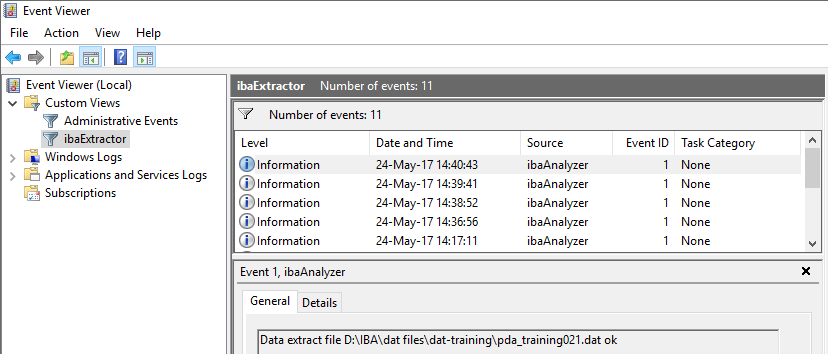
Events are shown in the Windows Event Viewer. Select the send mode.
Send modes for each communication method
-
On success Notification when extraction is successful.
-
On failure Notification when any extraction has failed.
-
On failure (1st failure only) Notification when the extraction has failed for the first time.
-
On completion Notification when the extraction has been completed, success or failure is irrelevant.