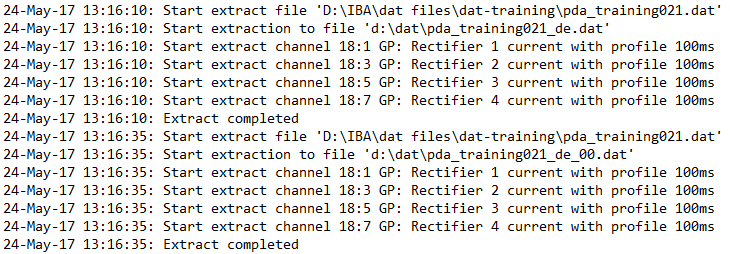
The diagnostic log is useful for checking progress when automatic extraction is operating (e.g. triggered by ibaDatCoordinator). If you select a log mode, ibaAnalyzer creates a log file and updates it with each extraction.
The linked path takes you to the directory containing the log files.

Mode
-
None: ibaAnalyzer does not create log files of the extraction.
-
Brief: The log file only contains the filenames of the extracted files.

-
Detailed: The log file contains the filenames of the extracted files and individual channels.
Create logfile on day base
ibaAnalyzer creates a log file for each day, e.g. DataExtractorLog_23_02_2026.txt.
Note |
|
|---|---|
 |
If logging is activated permanently, you have to implement a cleanup strategy for the log files externally (not part of ibaAnalyzer). |