A certificate with a private key can be installed in several ways. In this section, we explain how to install a PFX file using the Certificate Import Wizard.
-
Double-click on the PFX file. The wizard opens.

-
Select "Local Machine" and click <Next>.
-
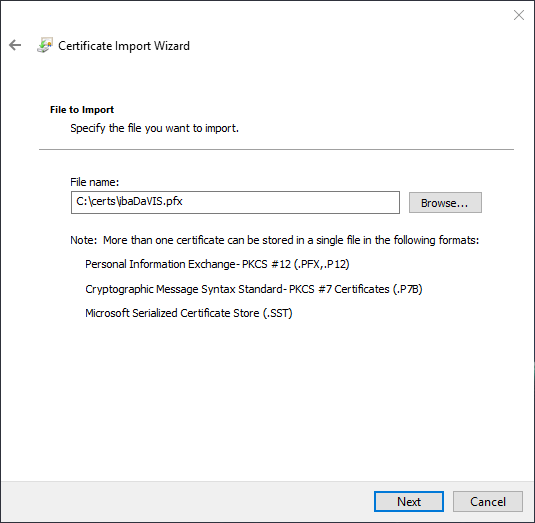
Check that the path and file name are correct. If not, you can navigate to the correct file with <Browse...>. Click <Next>.

-
Enter the password of the PFX file and click <Next>.

-
Select the second option Save all certificates to the following store and then use <Browse> to select the "My Certificates" store.
-
Click <Next> and check the settings. Then complete the import with <Finish>.