In a standard installation, the Windows services for the applications, such as ibaDatCoordinator, are installed under the LOCAL SYSTEM ACCOUNT.
Once the machine is running in a domain, you have the option to set up a managed service account. This makes much more sense from an information security point of view, since the initially installed user account is usually associated with extensive authorizations for the computer in question. Especially in centrally managed IT landscapes, administrators and security managers are therefore required to run services under special user accounts that are granted the specific rights they need to perform their tasks and services.
To ensure secure operation, we therefore recommend running the corresponding services in each case via a managed service account (Group Managed Service Account) in the domain. The following example describes the configuration of iba software packages in the EXCORP domain of Example Corporation.
For information on configuring other iba software packages, please refer to the appendix to the user manual for the relevant software.
Fictitious "EXCORP" domain
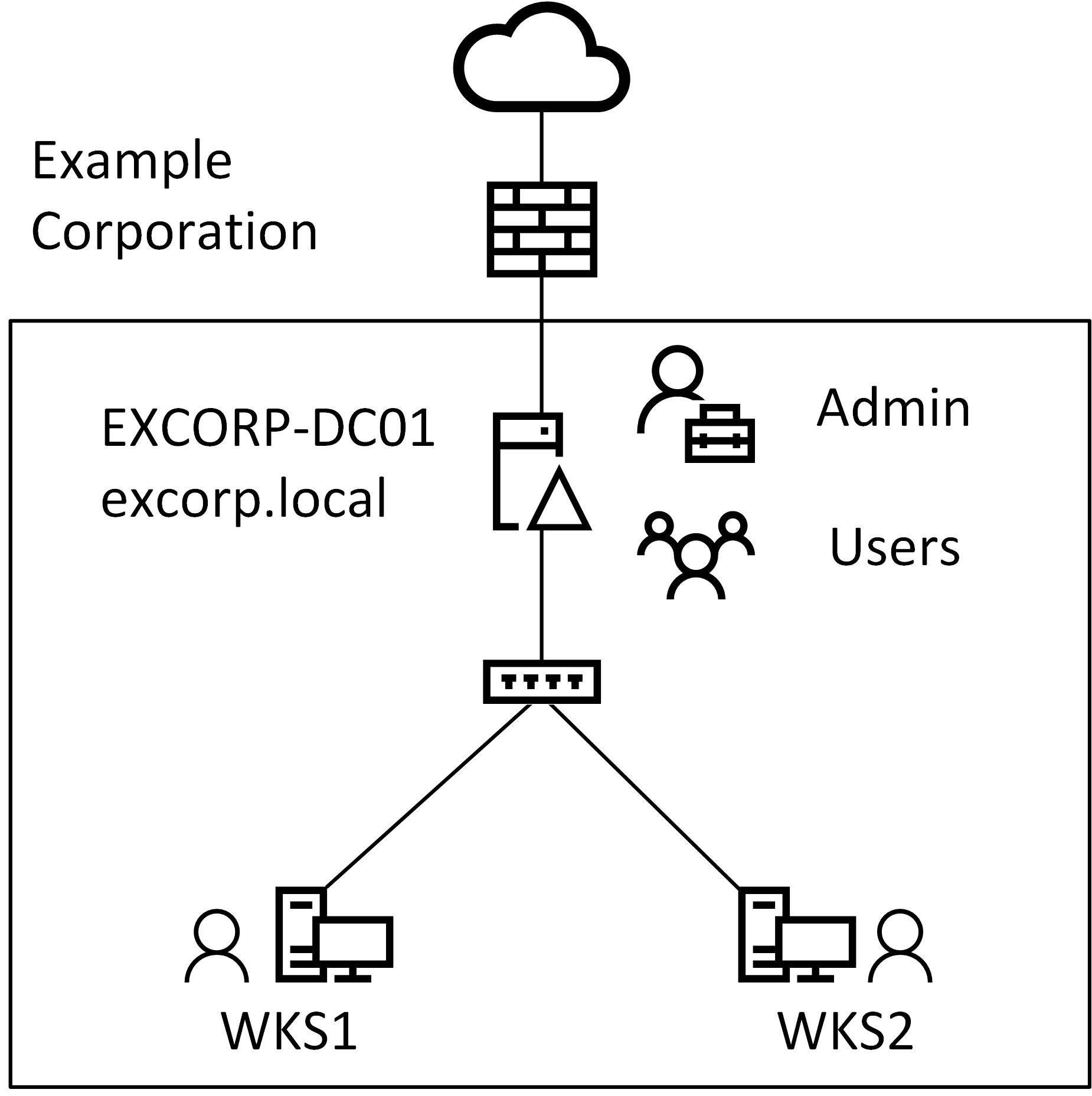
Fig. Overview – "EXCORP" domain
The EXCORP domain contains the following objects.
-
Domain controller (in short: DC): EXCORP-DC01
-
Domain Administrator: Administrator (in short: Admin)
-
Computers: WKS1, WKS2
-
Users John, Jane