You can re-host all licenses of a ticket via the WebDepot, i.e. move them to another container.
-
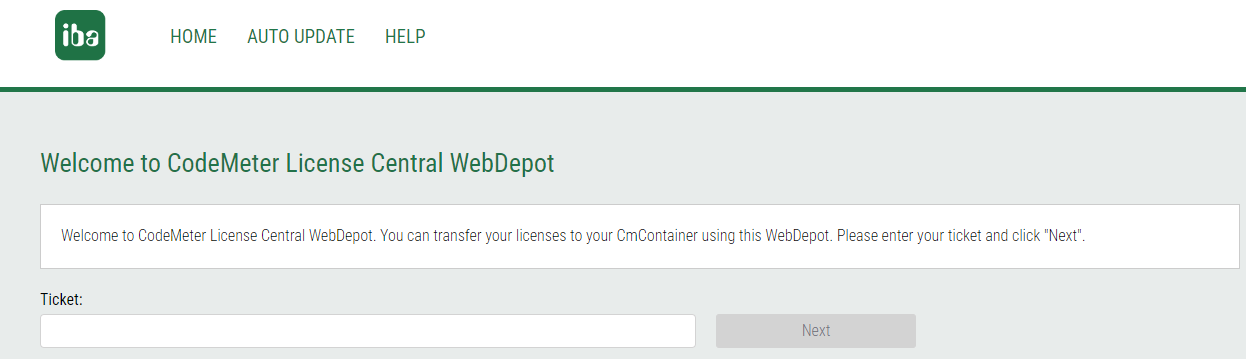
Open the iba AG WebDepot under https://license.iba-ag.com.
-
Enter the ticket number in the field under Ticket.
-
Click on <Next>.
All licenses contained in the ticket are displayed.
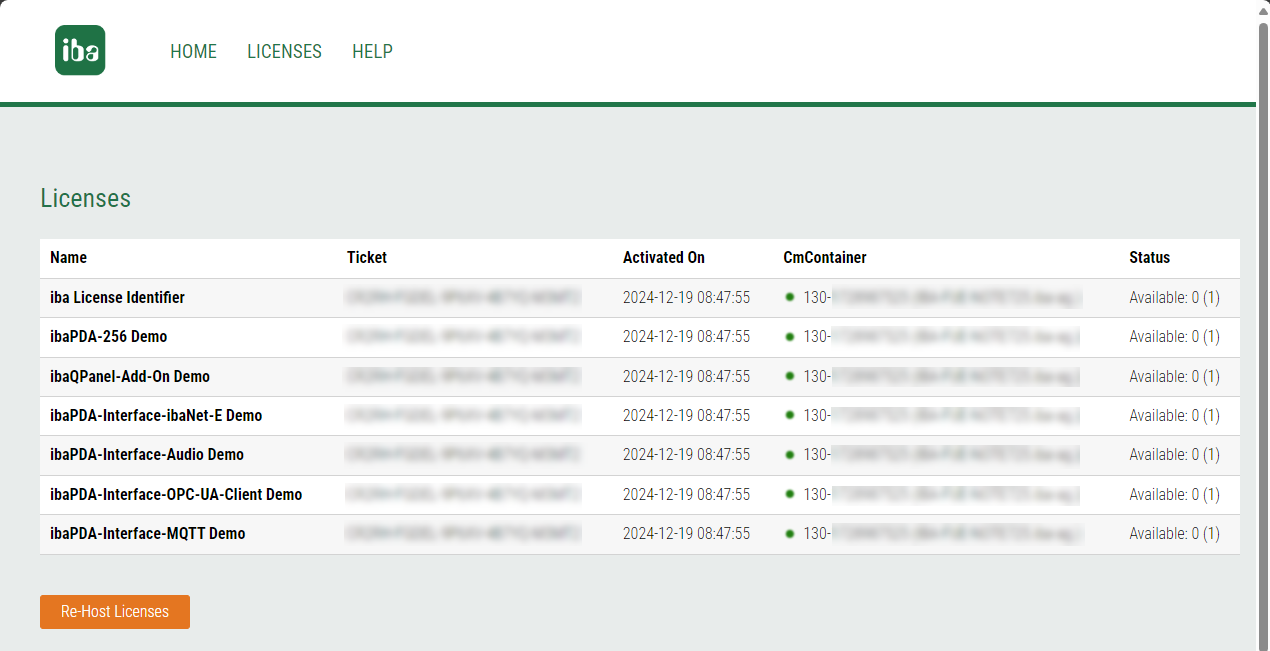
If the view is not displayed, click on <Licenses>.
-
Click <Re-host Licenses> under the table.
-
To deactivate the licenses, click on <Deactivate Selected Licenses Now>.
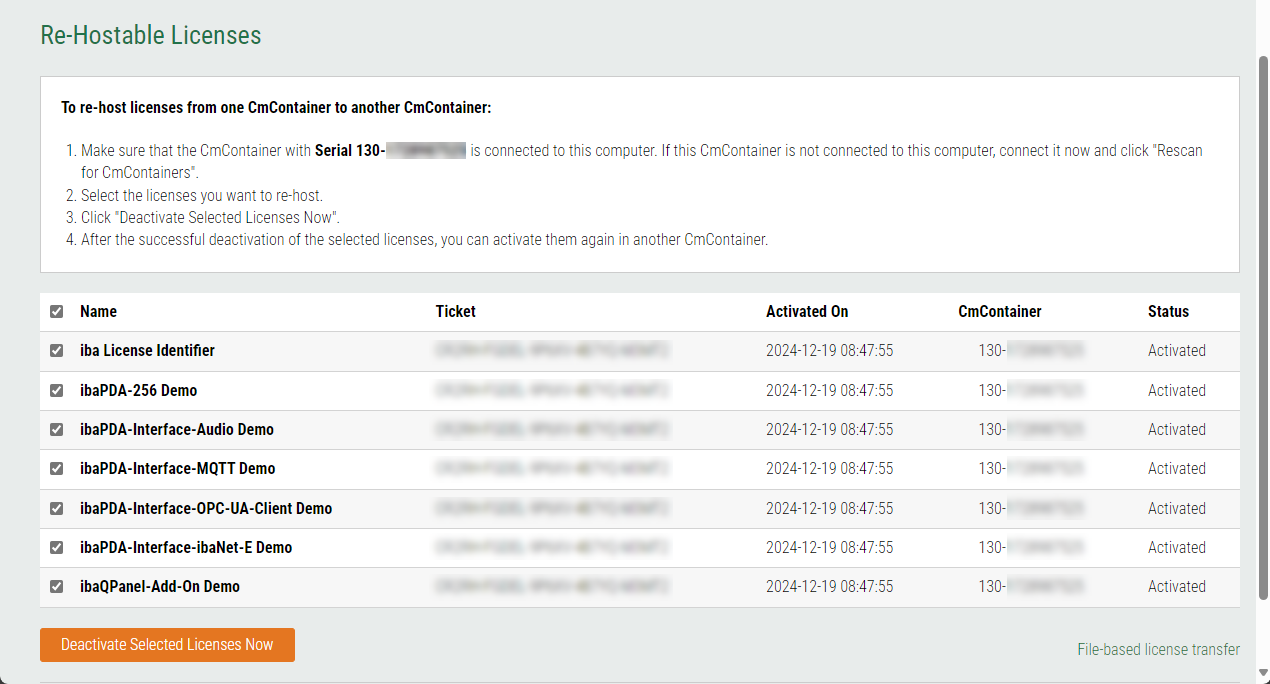
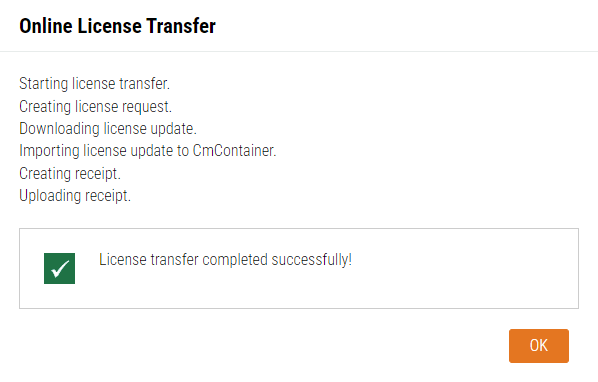
As soon as the deactivation is successfully completed, a corresponding message appears.
-
Confirm the dialog with <OK>.


The licenses of the ticket are now available for reactivation in another container, see Transferring licenses directly.