Proceed as follows to install CodeMeter Runtime manually. The installation package can be found on the "iba Software & Manuals" data medium supplied. Alternatively, the installer is available for download on the Wibu-Systems website.
-
Execute the
CodeMeterRuntime.exefile.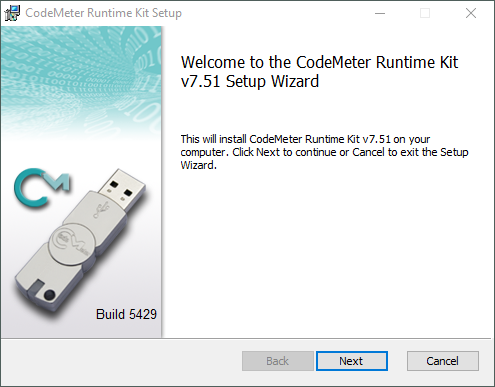
(Example: CodeMeter Runtime v7.50)
-
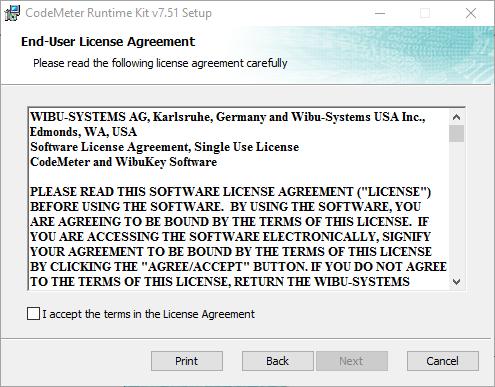
Agree to the terms of the license agreement.
-
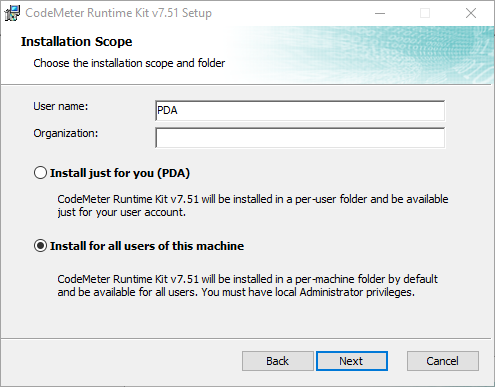
If possible, install CodeMeter Runtime for all users on the computer.
-
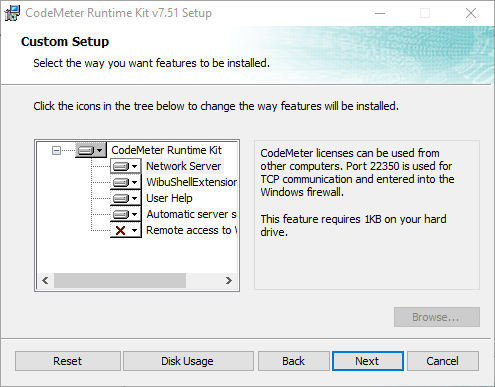
Click <Next> to prepare the installation of CodeMeter Runtime Kit on your computer.
If you want to share licenses in the local network, make sure that the "Network Server" function is selected.
-
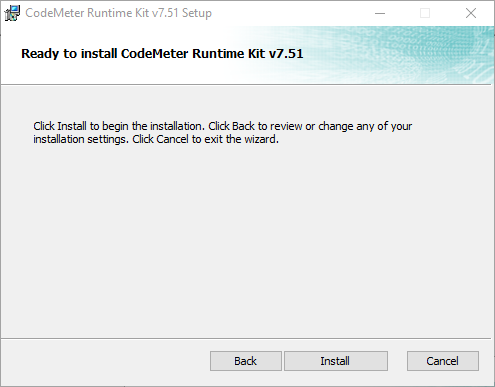
To start the installation, click <Install>.
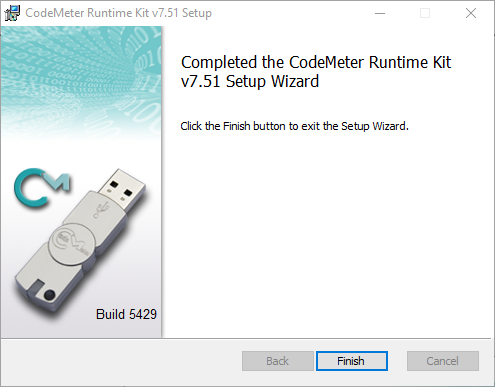
As soon as the installation is complete, the following window appears:
-
To end the installation wizard, click on <Finish>.


