Proceed as follows to set up a soft license on a PC without Internet access.
Note |
|
|---|---|
 |
If you want to update an existing soft license using file-based license transfer, this step is not necessary. See Creating a license request file. |
-
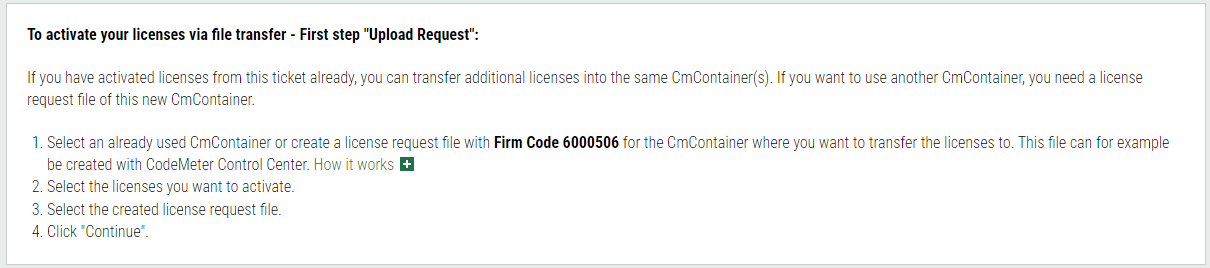
To save the soft license on the target PC, follow the steps in the white field.
-
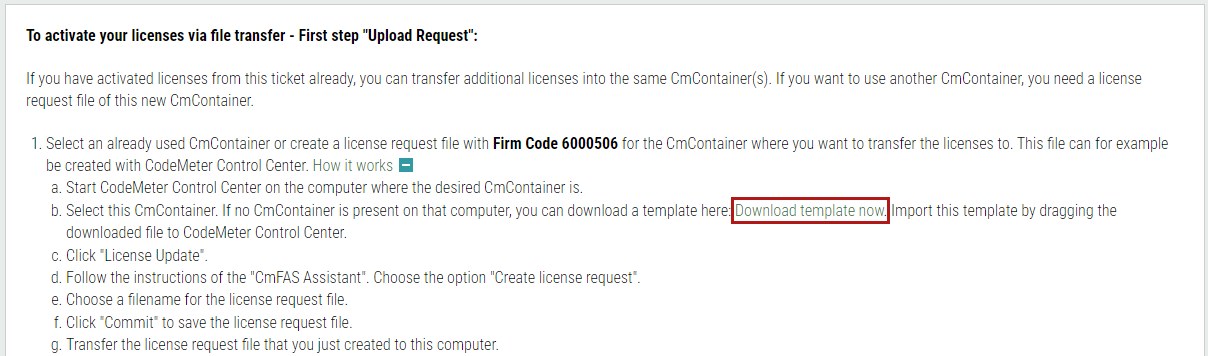
Click on <How it works [+]> to see further instructions under list item 1.
-
Start with step b in this section and download the license template to transfer it to the PC without Internet access.
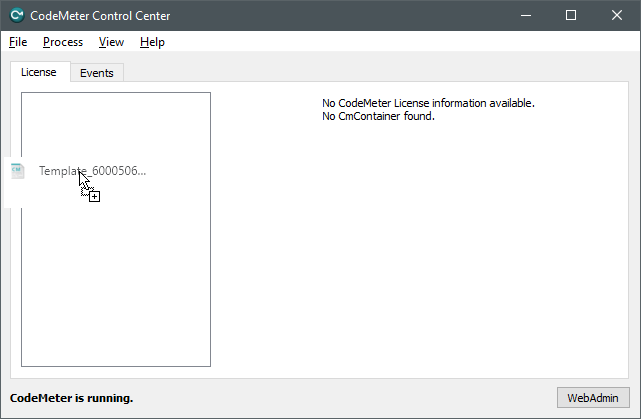
To do this, open the CodeMeter Control Center on this PC; it is usually located in the system tray after CodeMeter Runtime has been installed.
-
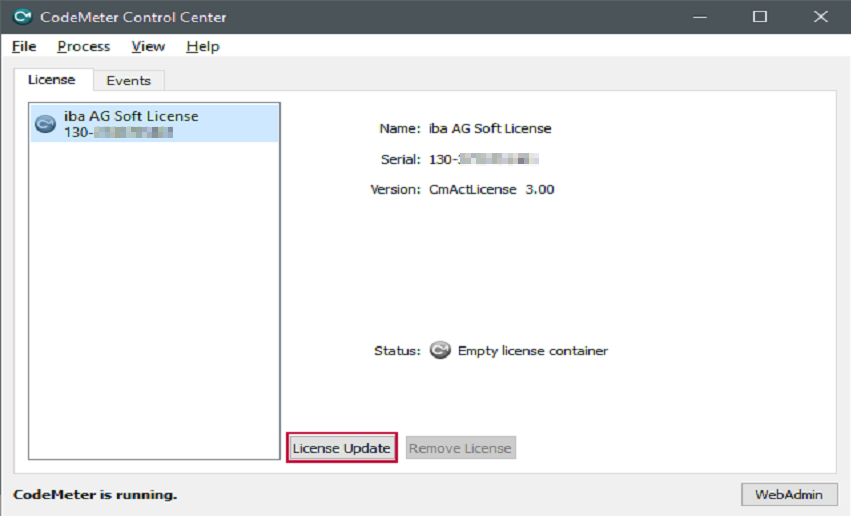
Now drag the downloaded license template (Template_*.WibuCmLIF) into the CodeMeter Control Center window.
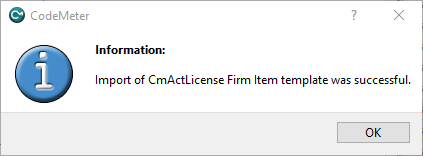
The successful import is indicated by the following message:
A new container with a serial number (starting with 130-xxx) is created. This container is now also bound to the hardware properties of the PC and can be used in the same way as a USB dongle connected to the PC. However, it does not yet contain any licenses at this point.


Note |
|
|---|---|
|
When activating soft licenses in virtual machines (VMs), they are bound to the hardware properties according to the current state of the VM. Changes, especially to the number/configuration of CPUs or network adapters, lead to the so-called "breaking" of the license. In this case, you can reset the properties of the VM to the state when the license was activated. After restarting the VM, the license should work again. One way to decouple soft licenses from changes in hardware properties is to use a license server. The configuration required for this is described in the chapters Configuring the network server and License management on a system with multiple containers. |
Further information on license updates can be found at Importing the license update.