On the network server, you define which licenses are shared and which PCs are given access to the licenses.
-
To enable the network server, open the Settings – Server – Server Access menu in CodeMeter WebAdmin.
-
Select the "Enable" option under Network Server.
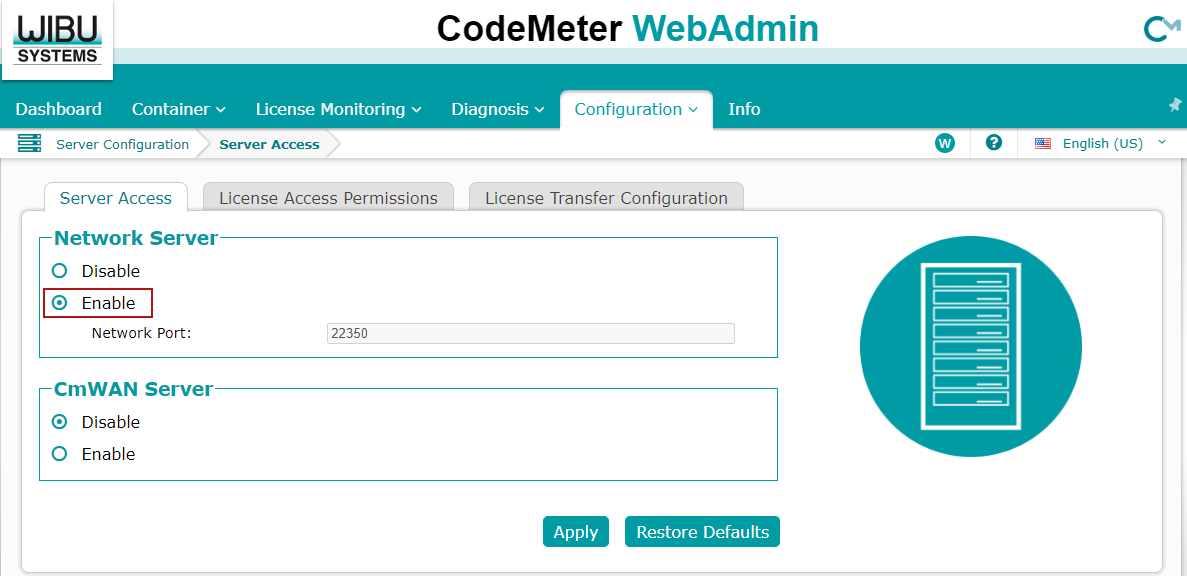
The standard port 22350 is registered with IANA for WIBU CodeMeter.
-
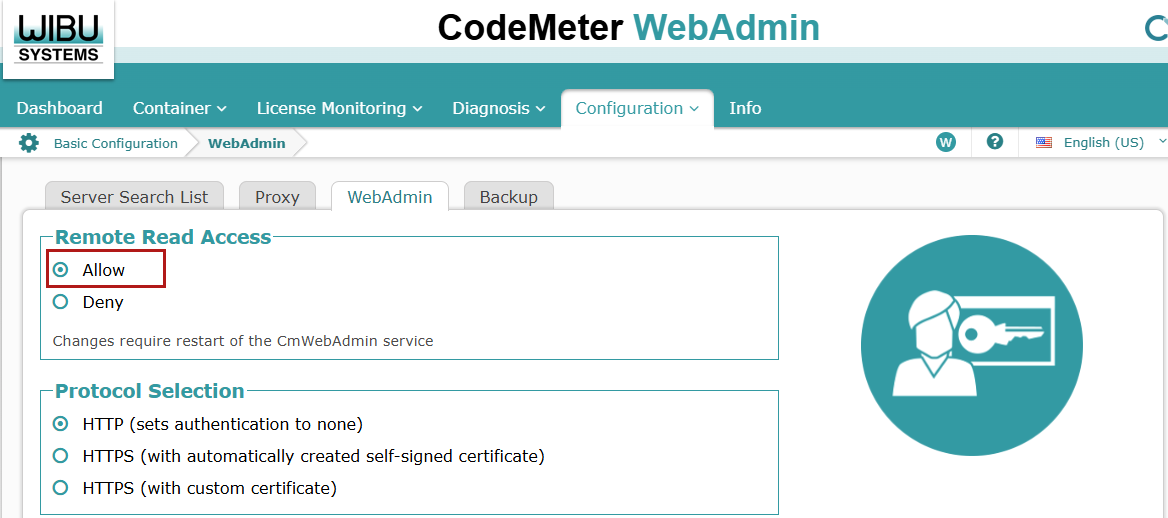
To enable remote access to WebAdmin by authorized clients, open the Settings – Basic – WebAdmin menu.
-
Select the "Deny" option under Remote Read Access.